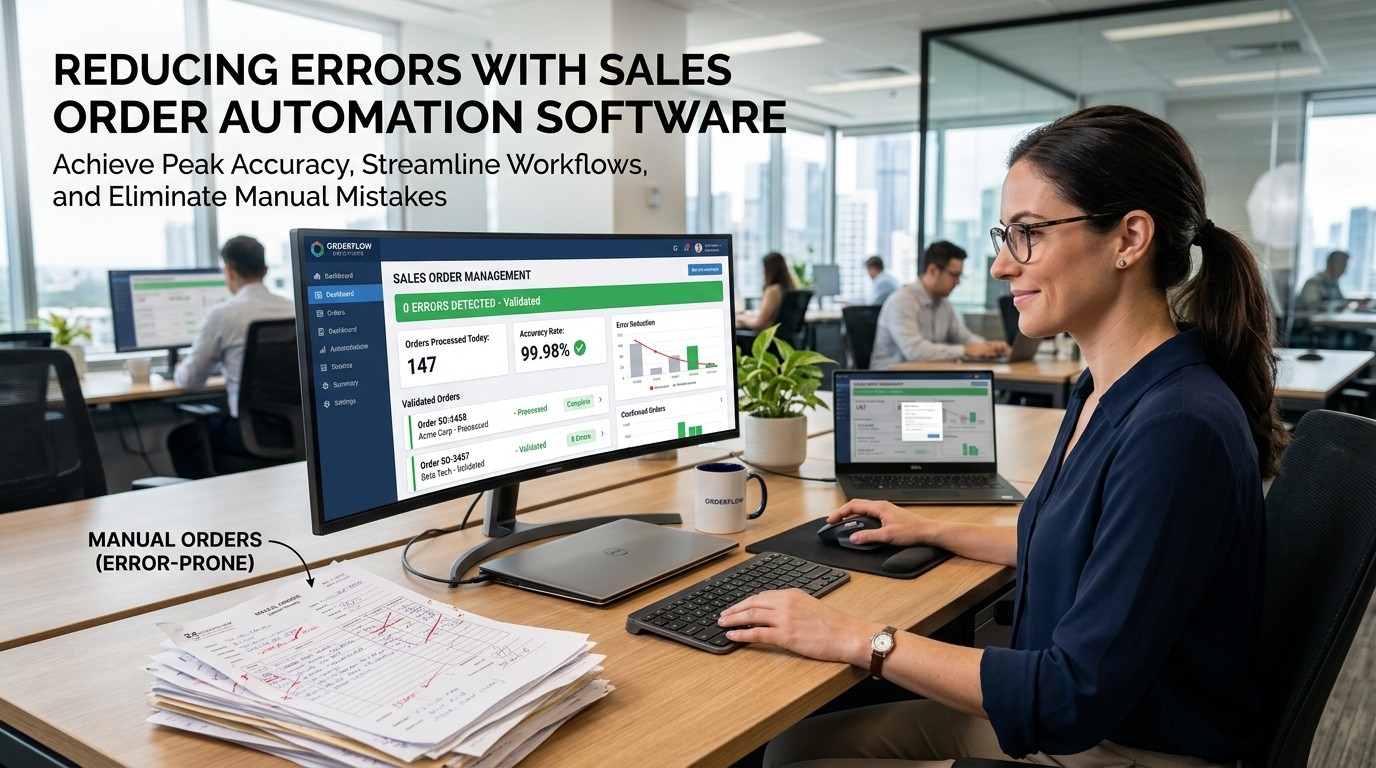
Sales Order Automation Software helps teams cut rework, prevent costly handoff mistakes, and keep every order moving through one clear process that supports accuracy, speed, and customer trust.
This system matters because most order mistakes are not dramatic failures; they are small gaps that quietly spread through sales, finance, and fulfillment. A missing field, a duplicated entry, or a delayed approval can create a chain reaction that slows revenue and frustrates customers.
The process helps close those gaps by giving the team a consistent path from order entry to execution. Instead of relying on memory or scattered follow-ups, This workflow can validate information, route requests, and keep status visible at every stage.
The order path also improves the customer experience because buyers judge competence by how smoothly the order gets handled after the sale. If the process feels organized, the brand feels trustworthy. If it feels messy, even a strong product can lose credibility.
Where order errors begin
The structure works best when you understand the real sources of error. Most problems start with manual retyping, unclear ownership, inconsistent data fields, or one department using a different version of the same record. Each of those issues seems small on its own, but together they create delays and confusion.
The structure reduces those problems by standardizing the handoff. When every order moves through the same sequence, there is less room for interpretation and fewer chances for someone to skip a required step. That consistency is what turns chaos into a manageable process.
The structure also helps teams see where mistakes originate. If the same field causes repeated corrections, the process can be adjusted instead of leaving the problem to repeat forever. Visibility is often the first step toward better quality.
The structure is especially useful in growing companies because manual habits that work at low volume often break when order counts rise. The faster the business scales, the more expensive every small error becomes.
Why validation matters
The process can reduce errors by checking information before the order moves forward. If the system confirms required fields, pricing rules, or approval status early, the team avoids discovering problems after the customer has already been promised a result.
The process makes validation feel practical instead of bureaucratic. The goal is not to create more rules for the sake of rules. The goal is to catch obvious mistakes before they become support tickets, billing disputes, or failed deliveries.
This workflow is strongest when validation happens at the point of entry. That timing matters because the cheapest fix is the one made before the next department has to touch the order. Earlier checks save time for everyone downstream.
This workflow also helps new employees. A structured system teaches people what good data looks like, which reduces the learning curve and keeps quality more consistent during onboarding.
The cost of manual handoffs

The order path reduces the hidden cost of handoffs, which is where many mistakes multiply. Every time a person has to copy, paste, confirm, or resend information, the odds of a typo or omission increase. Manual movement also slows the team down.
The order path helps because it keeps the record intact as it travels. Instead of moving from inbox to spreadsheet to another inbox, the order can stay inside one governed process. That single source of truth lowers confusion and gives everyone the same reference point.
The order path also makes it easier to assign responsibility. If the order is visible in one place, it is easier to know who owns the next step. That clarity prevents the common problem of people assuming someone else has already handled the work.
The order path becomes even more valuable when several departments are involved. Sales, finance, operations, and support all need different details, but they should not need different versions of the same order.
How automation improves accuracy
The setup improves accuracy by reducing dependence on memory. Humans are good at judgment, but they are not ideal at repeating the same transaction hundreds of times without variation. Automation helps by doing the repetitive parts the same way every time.
The setup also lowers the chance of skipped steps. If a discount must be approved or a tax field must be checked, the workflow can prompt the user instead of hoping they remember. Those prompts are small, but they prevent expensive mistakes.
The workflow engine makes quality easier to sustain over time. A manual process may start strong but drift as people get busy. A defined workflow keeps standards steadier because the system enforces them even when the team is tired or rushing.
The workflow engine is not about removing human judgment. It is about removing the errors that come from doing routine work under pressure. Humans should decide exceptions; the system should handle repetition.
Where related automation thinking helps
The current process follows the same logic that makes Mailroom Automation Software useful in admin-heavy environments. When repetitive handling is organized, information moves faster and with fewer mistakes. The pattern is simple: repeated work should be structured work.
The current process also shares a mindset with Supply Chain Automation Software. Both aim to reduce friction, improve handoffs, and keep data consistent as it moves from one stage to the next. Clean movement is often more valuable than extra complexity.
This handoff is easier to adopt when the team already likes Smart Automation Software Tools. Once people see that automation can save time without making the workflow harder, they become more willing to trust the process and use it consistently.
This handoff benefits from this broader automation mindset because the real goal is not to add software. The real goal is to reduce waste, improve timing, and create a more reliable operating rhythm.
Standardizing the order path
The guided flow works best when the business defines a standard route for every common order type. The more predictable the path, the fewer surprises appear later. Standardization makes training easier and reduces the amount of ad hoc decision-making.
The guided flow also helps when the team documents edge cases. Not every order will be typical, but the exceptions should still have a clear rule. That way the team does not invent a new process every time something unusual appears.
The guided flow gives managers a way to compare reality with the intended workflow. If the team keeps taking detours, the process may need to be simplified. If the process is clear, the order should move with fewer interruptions.
Integration with existing systems
The order system becomes more effective when it connects with CRM, billing, inventory, and fulfillment tools. If those systems do not share clean data, the team ends up correcting the same order in multiple places, which recreates the same problems in a new format.
The order system helps create one reliable source of truth. That matters because the fastest way to reduce errors is to prevent data duplication. Every extra copy of an order creates another opportunity for mismatch, delay, or confusion.
The order system also makes reporting easier. If the same record moves through the workflow, the business can trace where it started, where it paused, and where it finished. That visibility supports better management decisions.
The order system is strongest when integration is practical rather than decorative. The system should make the order easier to process, not just more visible on paper.
Customer impact
Sales Order Automation Software improves the customer experience because buyers notice when the back end is organized. They may not see the workflow, but they feel the result in faster confirmations, fewer corrections, and clearer communication.
Sales Order Automation Software reduces the chances of embarrassing follow-up calls. If the order is accurate the first time, the customer is less likely to question the company’s reliability. That trust matters because small mistakes can create big doubts.
Sales Order Automation Software can also shorten the time between promise and delivery. A faster order path makes the company feel competent and responsive, which helps preserve confidence after the sale.
Sales Order Automation Software is therefore not only an internal efficiency tool. It is also part of the customer journey, because the buyer experiences the quality of the process as part of the brand.
Reporting and visibility
Sales Order Automation Software helps managers see where problems happen most often. If errors keep appearing at the same stage, the process can be improved instead of leaving the team to guess where the issue started.
Sales Order Automation Software also gives leadership a clearer view of cycle time and workload. That makes it easier to plan staffing, measure process health, and identify bottlenecks before they become major disruptions.
Sales Order Automation Software is especially useful when the team reviews trends instead of isolated incidents. One mistake may be random, but repeated mistakes usually point to a process issue that can be fixed.
Training and adoption
Sales Order Automation Software works well only if people use it consistently. Training should focus on the daily actions users actually need, not on long theoretical explanations. The easier the workflow feels, the more likely the team is to adopt it.
Sales Order Automation Software also supports faster onboarding. New employees can learn a clear process instead of piecing the workflow together from emails, side notes, and informal guidance. That reduces mistakes during the learning period.
Sales Order Automation Software becomes part of the culture when managers reinforce it as the standard path. If the process is treated as optional, people drift back to old habits. Consistency matters more than enthusiasm alone.
Common error patterns
Sales Order Automation Software often fixes problems caused by incomplete fields, duplicate records, broken approvals, and inconsistent pricing logic. These issues are common because they usually appear only after the order has already moved too far.
Sales Order Automation Software reduces those patterns by building checkpoints into the process. A good checkpoint does not slow the work unnecessarily; it simply stops the obvious mistake from continuing into the next stage.
Sales Order Automation Software is also useful for catching exceptions early. If the order does not fit the normal pattern, the workflow can flag it before the issue becomes a customer-facing problem.
Where the biggest savings appear

Sales Order Automation Software creates savings in multiple places at once. Teams spend less time fixing records, fewer orders need rework, and managers spend less time chasing status updates. Those small gains compound quickly across many transactions.
Sales Order Automation Software also saves money indirectly by improving morale. Nobody likes doing the same correction twice. A cleaner process reduces frustration, which helps people spend more energy on meaningful work.
Sales Order Automation Software tends to deliver the biggest value when order volume is high enough that manual fixes start becoming a normal part of the week. At that point, automation pays back by removing repeated waste.
Scaling without losing control
Sales Order Automation Software becomes even more important as the business grows. A process that feels manageable at ten orders may break at a hundred. The software keeps the rules steady so scale does not create chaos.
Sales Order Automation Software also helps when the team adds more people. New hires can enter a process that already has structure instead of learning through trial and error. That makes growth easier to support.
Sales Order Automation Software is valuable because scaling should not mean accepting more mistakes. It should mean handling more work with the same level of clarity and less manual pressure.
What to measure first
Sales Order Automation Software should be measured through practical indicators like error rate, order cycle time, approval delays, and the number of corrections needed after entry. Those numbers show whether the process is actually getting better.
Sales Order Automation Software also benefits from qualitative feedback. If the team says the workflow feels clearer and the customer support load drops, that is a strong sign the process is improving in ways the numbers may only partly capture.
Sales Order Automation Software is best judged by whether it reduces work without reducing control. The goal is not speed alone; it is dependable speed with fewer mistakes.
Final practical habits
Sales Order Automation Software works best when paired with a simple checklist. Review the order at the point of entry, confirm required fields, route exceptions clearly, and keep all records in one place. Simple habits usually prevent the most expensive mistakes.
Sales Order Automation Software also becomes stronger when the team reviews the process regularly. If the same problem keeps showing up, the workflow may need to be adjusted. Improvement is easier when the system is designed to learn.
Building a review rhythm
The most reliable teams do not wait for a major incident before they examine the process. They build a small review rhythm that checks the order path, confirms which stage is slowing down, and identifies where people still rely on side emails or manual reminders. A short recurring review can reveal more than a long one-time audit because it reflects how the process behaves under normal pressure.
That rhythm should include one question: what caused the last avoidable error? Sometimes the answer is a missing field, sometimes it is unclear ownership, and sometimes it is simply that the next person in the chain did not see the request soon enough. Once the cause is clear, the team can change the rule instead of blaming the person.
Cross-team alignment
The best process improvement happens when sales, finance, operations, and support agree on what a clean order should look like. If one team defines a complete record differently from another, errors keep returning even when the software is functioning correctly. Alignment is not just a management preference; it is what makes the system work.
That alignment becomes easier when the team uses the same terms for status, exception, correction, and approval. Shared language reduces confusion and helps everyone understand the same order in the same way. It also makes training simpler because new employees are not trying to learn four separate vocabularies at once.
Exception handling without chaos
Not every order can be forced into a perfectly standard path. Some deals require special terms, unusual pricing, or a customer-specific approval step. The key is to design those exceptions on purpose rather than letting them become informal habits. When the exception process is documented, the team can handle rare cases without weakening the normal workflow.
This is where a strong system protects both speed and judgment. Routine orders move quickly, while unusual ones receive the attention they deserve. The goal is not rigid uniformity; the goal is controlled flexibility. That balance keeps the process practical when real customers do real things that do not fit a template.
Why quality feels different when the process is calm
A calm process produces better work because people make fewer rushed decisions. When the workflow is clear, the team does not have to improvise under pressure, and that reduces the odds of a mistake. Calm does not mean slow. It means the next action is obvious enough that the team can move quickly without feeling lost.
That feeling matters more than many managers realize. A process that feels controlled encourages better follow-through, better communication, and less emotional resistance. People are simply more willing to use a system that helps them feel organized instead of one that leaves them uncertain about what happens next.
The ROI side of cleaner operations

Better process design often shows up as a financial improvement long before anyone notices it in a spreadsheet. Fewer corrections mean fewer hours spent on cleanup. Faster approvals mean faster order movement. Clearer ownership means fewer tasks fall through the cracks. Each of those improvements is small on its own, but together they improve the economics of the entire workflow.
That is why process tools can pay back in ways that feel invisible at first. The value appears in reduced frustration, fewer support interruptions, and less wasted time across departments. When the team no longer has to repair the same mistakes again and again, the business gains capacity without necessarily adding headcount.
Conclusion
In the end, Sales Order Automation Software reduces errors by making the order path clearer, more consistent, and easier to trust. It helps teams avoid duplicate entry, missing fields, and slow handoffs while giving managers better visibility into where problems start. That matters because the real cost of a mistake is often bigger than the mistake itself: it includes delays, rework, customer frustration, and lost confidence. A good system turns routine order handling into a controlled process that protects both speed and accuracy.
Sales Order Automation Software is most effective when it is part of a broader discipline of standardization, integration, and training. The software cannot fix a vague process by itself, but it can make a good process much more reliable. For businesses that want fewer mistakes and a calmer workflow, that reliability is often the biggest win.
Frequently Asked Questions (FAQ)
1. What is the main benefit of this software?
It reduces manual errors by standardizing the order process and making the next step clear.
2. Does it only help large teams?
No. Smaller teams often benefit because even a few avoided mistakes can save a lot of time.
3. How does it reduce duplicate work?
It keeps the same order record moving through one controlled workflow instead of being copied into multiple places.
4. Why is validation important?
Validation catches missing fields or rule issues before the order reaches the next department.
5. What if our process is already manual?
That is usually the best place to start, because manual repetition is where many errors begin.
6. Can it improve customer satisfaction?
Yes. Faster confirmations and fewer mistakes make the company feel more organized and trustworthy.
7. What metrics should we track?
Track error rate, cycle time, approval delays, and how often corrections are needed.
8. How does it help training?
A clear workflow makes onboarding easier because new users can learn one standard path.
9. Is integration with other systems necessary?
It is highly valuable because connected data reduces mismatches and keeps reporting cleaner.
10. What is the biggest implementation mistake?
The biggest mistake is automating a broken process without first clarifying the workflow.